Guide to applying pictograms
How to apply pictograms to your Bica waste solution



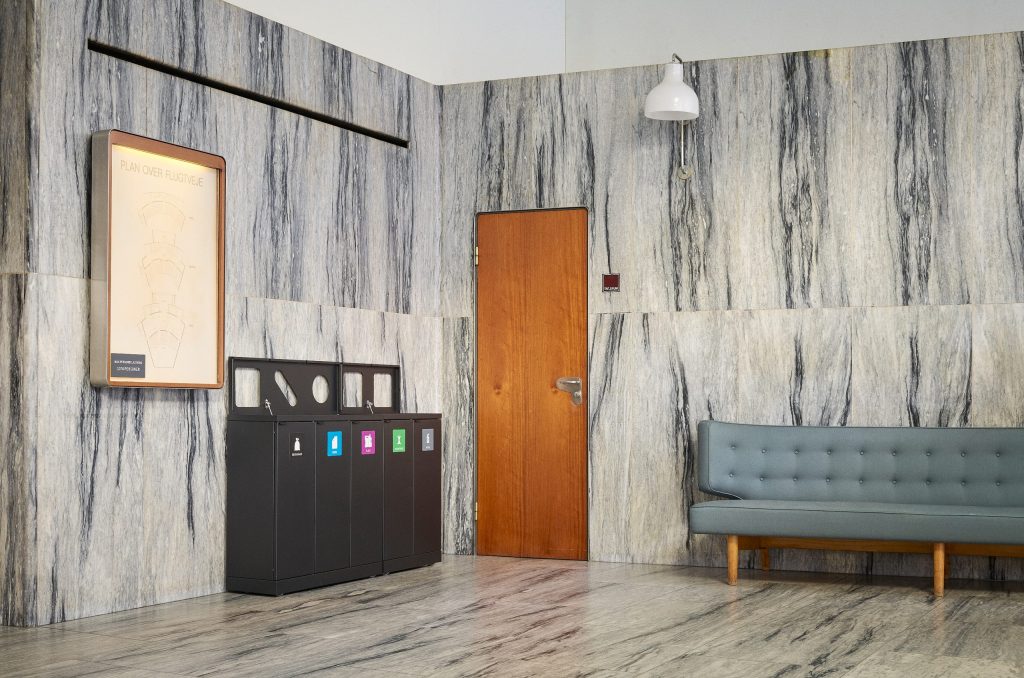
In the hallways, the waste systems were mounted with brackets on the wall to avoid,
Waste pictograms ensure easier and more correct waste sorting. Use either coloured or black/white pictograms with the recognisable symbols from the common waste system.
There are a few simple tips worth knowing to achieve the best result.
Download guide for applying pictogramsDownload the template and print it. You can advantageously attach the templates with a few pieces of tape, making it easy to reposition the template.
If you need to apply pictograms to a large number of bins, you can order templates as magnets. Contact us regarding this.
Template for 10×10 cm pictograms
45‑litre fractions (Bica Basic)
Template for 12×12 cm pictograms
45‑litre fractions (Bica Basic)
Template for 12×12 cm pictograms
65‑litre fractions (Bica Advanced)
Template for 12×12 cm pictograms
95‑litre fractions (Bica Advanced)
Template for 12×12 cm pictograms
100‑litre fractions (Bica Advanced)
Template for 12×12 cm pictograms
120‑litre fractions (Bica Advanced)
Template for 12×12 cm pictograms
Model 950, 951 & 955 (Bica Advanced)
All pictogram templates
Combined file with all templates

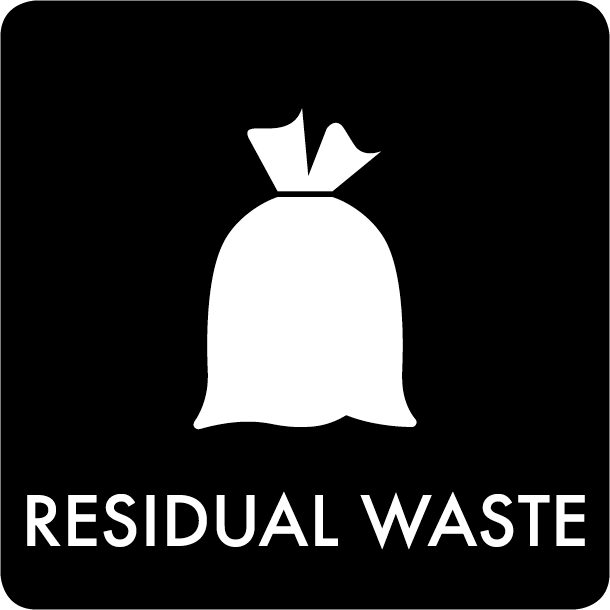
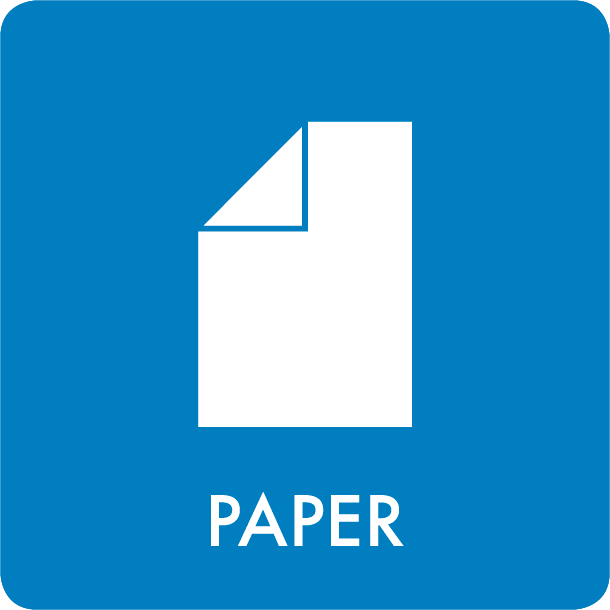


Store the pictogram at room temperature (approx. 20°C) for 24 hours before application.
Clean the surface of the waste bin where the pictogram will be placed.
Mark on the waste bin where the pictogram should be placed. Use our templates if needed.
Loosen the sticker by grabbing one of the corners and gently pulling off the backing paper. Make sure to hold firmly onto the corner of the sticker.
Place the top two corners of the sticker onto the surface of the waste bin first.
Use your fingers or a scraper from top to bottom to make the rest adhere. Always press from the centre outward to avoid air bubbles.

Store the pictogram at room temperature (approx. 20°C) for 24 hours before application.
Clean the surface of the waste bin where the pictogram will be placed.
Mark on the waste bin where the pictogram should be placed. Use our templates if needed.
Place the pictogram on a flat surface with the visible text facing up.
Rub while pressing your fingers over the text, or use a scraper to help the letters adhere better.
Pull off the backing paper and place the top two corners of the adhesive onto the surface of the waste bin.
Use your fingers or a scraper from top to bottom to make the rest adhere. Always press from the centre outward to avoid air bubbles.
Ensure the adhesive is firmly attached before removing the remaining paper that the pictogram sits on.